
Download Bitsnapp APK – Crypto Tracker, Bitcoin Portfolio, Wallet Tracker, Cryptocurrency Management, Exchange Sync
Overview
Bitsnapp is a dedicated mobile application designed to simplify cryptocurrency portfolio management for users across the digital asset ecosystem. The software enables individuals to monitor their holdings across multiple wallets and exchanges through secure, direct integration with supported platforms. By syncing wallet addresses and exchange accounts, users gain a centralized view of their crypto assets, including real-time value tracking and transaction history. The app is particularly useful for investors, traders, and enthusiasts who maintain assets across diverse platforms such as Bittrex, Bitstamp, Kraken, HitBTC, Liqui, and Bitbay.
Designed with security in mind, Bitsnapp does not store private keys or passwords, ensuring that users retain full control over their digital assets. This approach aligns with best practices in self-custody and reduces exposure to third-party vulnerabilities. The app supports a broad range of cryptocurrencies, including Bitcoin, Ethereum, EOS, Qtum, Golem, and Augur, making it suitable for users with diversified portfolios. Real-world use cases include daily portfolio monitoring, tracking investment performance, and managing transactions across multiple wallets and exchanges without switching between apps.
The developer, Bitsnapp, has positioned the software as a lightweight, accessible tool for the growing community of crypto users. As of the release date, the app is available exclusively on Android, reflecting its focus on mobile-first accessibility. The software is offered free of charge, removing financial barriers to entry while maintaining core functionality.
Key Features & Capabilities
- Multi-Exchange Sync – Connect and sync accounts from supported exchanges like Bittrex, Bitstamp, Kraken, HitBTC, Liqui, and Bitbay to consolidate portfolio data in one place.
- Wallet Address Tracking – Manually or automatically track wallet addresses for major cryptocurrencies including Bitcoin, Ethereum, EOS, Qtum, Golem, and Augur.
- Transaction Management – Add and monitor transactions manually, allowing users to maintain accurate records of purchases, sales, and transfers.
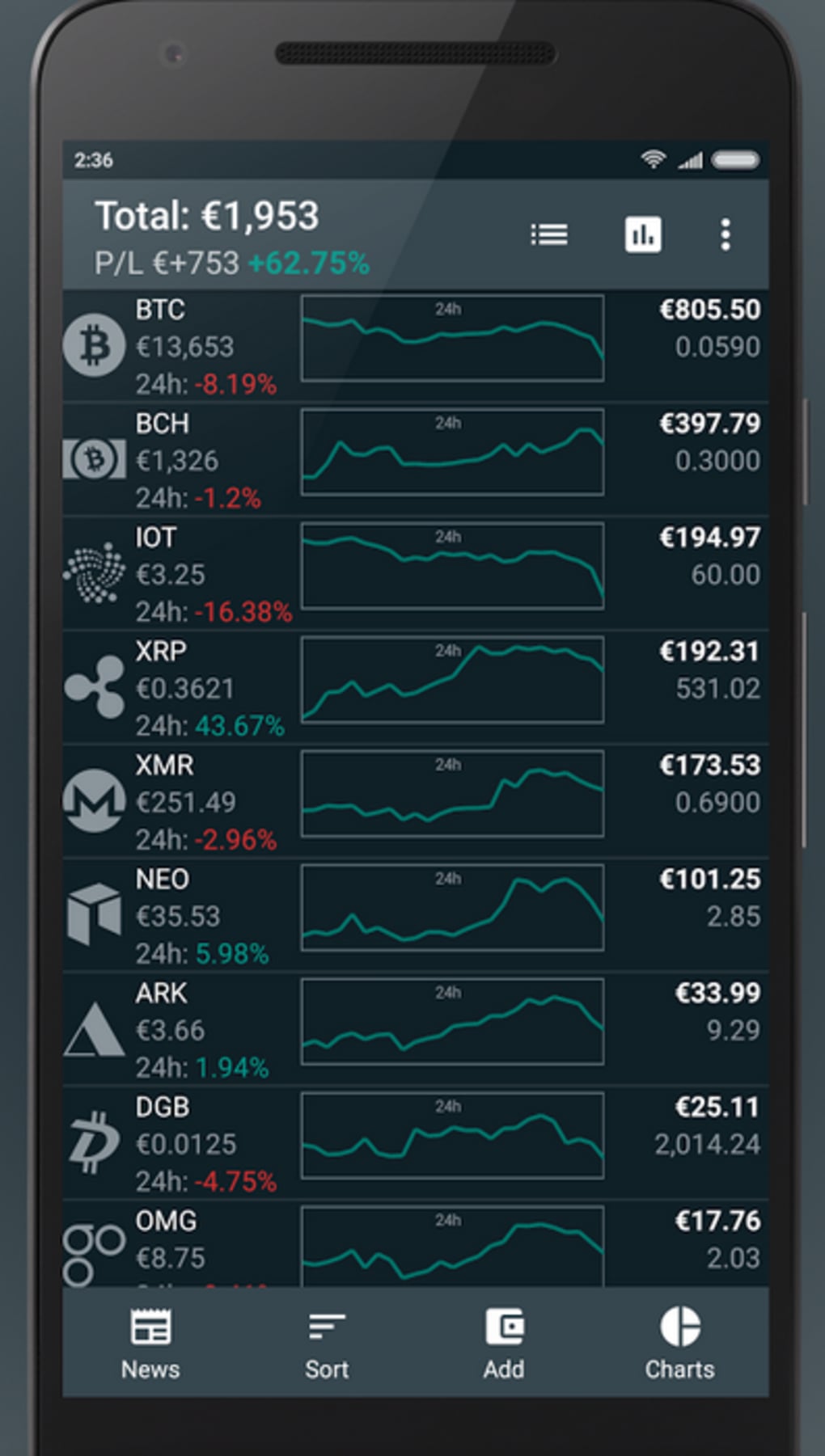
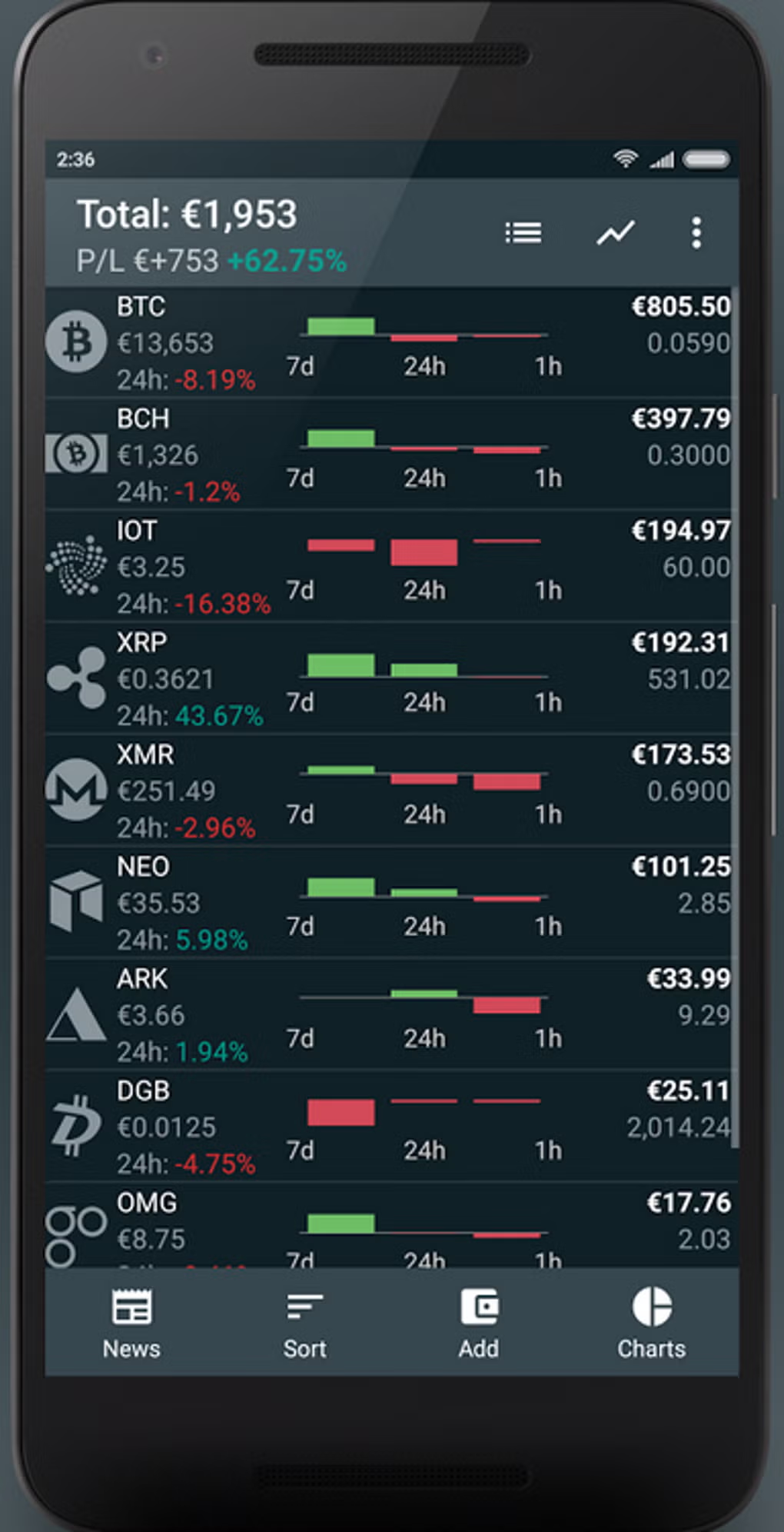
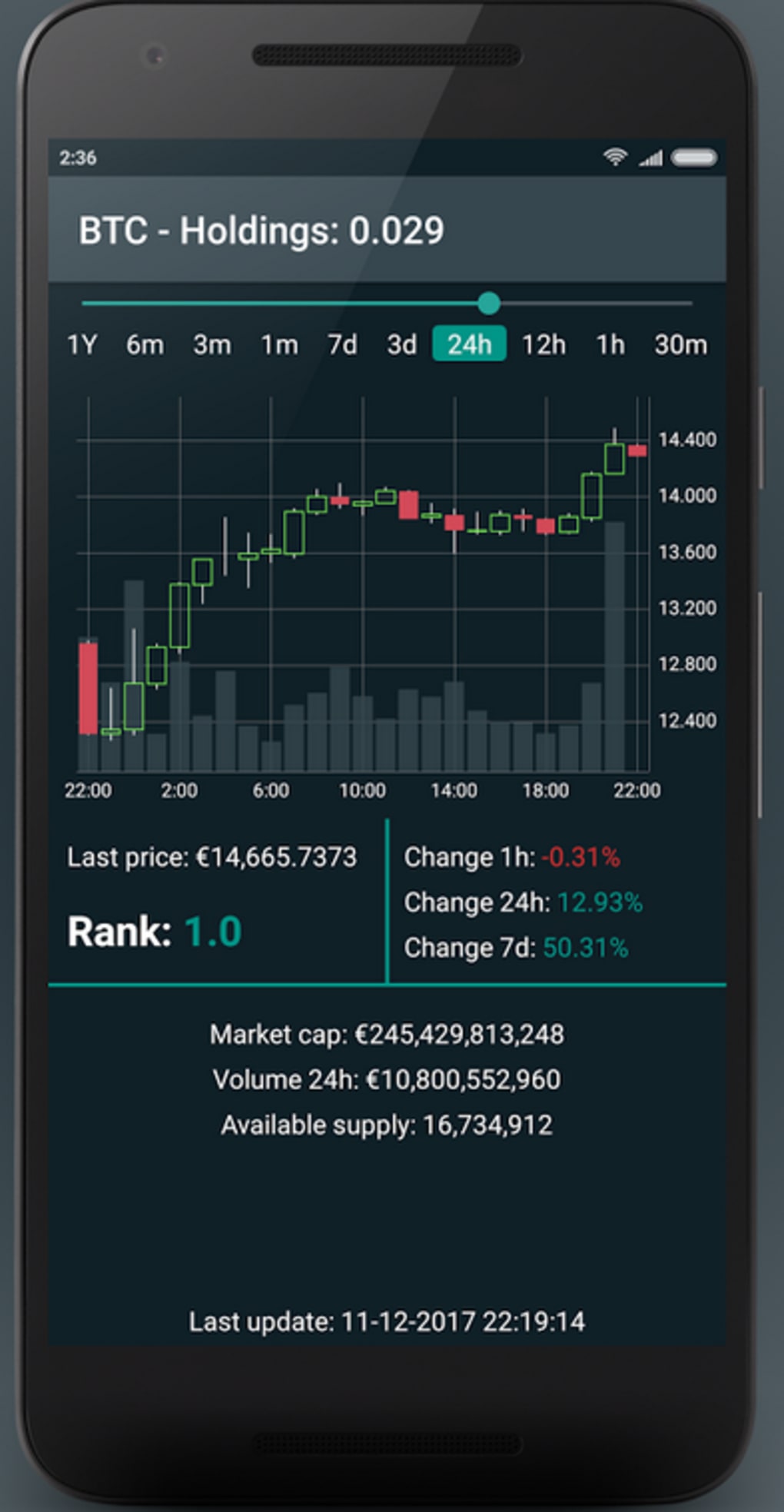
- Real-Time Portfolio Overview – View up-to-date asset values, performance metrics, and portfolio composition across all connected accounts.
- Secure Data Handling – No private keys or passwords are stored on the app’s servers, ensuring user data remains under personal control.
These features are ideal for users who need a streamlined way to manage complex crypto portfolios. For example, a trader managing positions on Kraken and Bitstamp can use Bitsnapp to compare performance across platforms, while an investor holding Bitcoin and Ethereum across multiple wallets can track total holdings in real time. The ability to manually add transactions supports accurate tax reporting and long-term investment analysis. The app’s focus on integration with APIs ensures data accuracy and timely updates, reducing the risk of outdated or missing information.
User Interface, Workflow & Performance
Bitsnapp presents a clean, intuitive interface tailored for mobile use, with a dashboard that displays key portfolio metrics at a glance. Navigation is straightforward, allowing users to access exchange accounts, wallet trackers, and transaction logs through clearly labeled menus. The workflow is designed to minimize friction during setup and daily use, with step-by-step prompts for connecting accounts and adding wallet addresses.
While specific performance metrics were not provided, the app’s lightweight footprint of 18.5 MB suggests efficient resource usage, which is beneficial for devices with limited storage. The developer did not specify resource usage details such as CPU or RAM consumption, so general performance observations are based on typical mobile application behavior. Stability appears to be prioritized, given the app’s secure data handling model and focus on direct API integration rather than local data storage.
Users can expect smooth navigation and responsive interactions during routine tasks such as syncing accounts and reviewing transaction history. However, performance may vary depending on network conditions, especially during real-time updates from exchange APIs. The app does not rely on background processes that could impact battery life, aligning with efficient mobile design principles.
Compatibility & System Requirements
Bitsnapp is designed for Android devices and is available as an APK file for direct installation. The app’s release version is 1.2.2, with a file size of 18.5 MB. This size indicates a compact application with minimal storage footprint, suitable for a wide range of Android devices.
Exact system requirements were not listed, so compatibility with specific Android versions or hardware configurations cannot be confirmed. The developer did not provide additional system requirements. Users should ensure their device meets standard Android installation criteria, including sufficient storage and a stable internet connection. The app’s reliance on API integrations means that a working internet connection is necessary for full functionality, particularly for real-time updates and sync operations.
Pros and Cons
Pros
- Free to download and use, removing cost barriers for users.
- Supports a wide range of exchanges and cryptocurrencies.
- Secure design with no storage of private keys or passwords.
- Lightweight size (18.5 MB) ideal for mobile devices with limited space.
- Manual and automatic wallet tracking for flexible portfolio management.
Cons
- Available only on Android, limiting access for iOS users.
- Exact system requirements and compatibility details were not provided.
- Performance under low network conditions may vary due to API dependency.
- Advanced features such as tax reporting or portfolio analytics were not mentioned.
FAQ Section
Is Bitsnapp available for iOS devices?
Bitsnapp is currently available only for Android. There is no official iOS version reported as of the release date.
Does Bitsnapp store my private keys or passwords?
No, the app does not store private keys or passwords. All sensitive data remains on the user’s device, ensuring full control over digital assets.
How often does the app update portfolio data?
Data updates depend on the exchange’s API response time and network conditions. Real-time syncing is supported where APIs are available.
Can I use Bitsnapp offline?
Basic features like viewing previously loaded data may be accessible offline. However, real-time syncing and updates require an active internet connection.
Is the app free to use?
Yes, Bitsnapp is offered completely free of charge with no in-app purchases or subscription tiers.
Final Thoughts
Bitsnapp delivers a focused, secure, and accessible solution for managing cryptocurrency portfolios on Android. Its ability to sync multiple exchanges and track diverse wallet addresses makes it a practical tool for both casual investors and active traders. The app’s commitment to user security—by not storing private keys or passwords—sets a strong foundation for trust and reliability.
While the lack of iOS support and incomplete system requirements information may limit its reach, the app’s lightweight design and free access make it a compelling choice for Android users navigating the crypto landscape. With its clean interface and straightforward workflow, Bitsnapp simplifies portfolio tracking without compromising on security.
For anyone looking to monitor their Bitcoin, Ethereum, and other digital assets in one place, Bitsnapp offers a reliable and efficient experience. Download Bitsnapp now to take control of your crypto portfolio with confidence.





.png)

